Interactive Writing
Interactive Notes on Procedural Drawing and Motion
Note: Because the term "generative" has become so recently intertwined with AI-prompted art, I will refer to this drawing method as procedural generation after the first section to prevent confusion.
1. Cousins
When I was 10 years old, a Blockbuster employee informed my younger brother and me that Katamari Damacy was a legendary game and we had to rent it. Because they were out of Mario, we said ok. Inside the game, I met the Prince of the Cosmos and, more importantly, his many cousins. The cousins were all different, yet they were the same, each one a variation on the essence of the Prince.
Many years later, I encountered generative art online when someone had shared a grid of a hundred cartoony faces, each drawn using one algorithm. They all shared a computational grandmother, yet they were different. Like cousins.
Generative art is the cousin of procedural generation, which many people know about from video games. To be honest, I don't fully understand whether these concepts are cousins, siblings, or the same. What I know is that they involve creating a system of programmatic rules that expresses what you want to draw.
Now, I will be explaining most of what follows with p5.js, which uses CPU-driven animations. GPU-driven animations, which are used in 3D graphics, will not be covered here.
Polygons
The simplest thing to express programmatically is a polygon.
Any basic polygon can be drawn by plotting equidistant points around a center and then connecting them. More complex shapes, like stars, are drawn by simply alternating the distance from the center for every other point.
Why draw procedurally?
You might wonder why I wouldn't just use my hand to draw a bunch of polygons. Why go to the effort of programming all that?
Well, a lot of things seem pointless when you learn about them in isolation.
An Aside
When I took a printmaking class, one week was dedicated to monoprinting, which involves painting an image on a nonporous surface before transferring it onto a porous one.
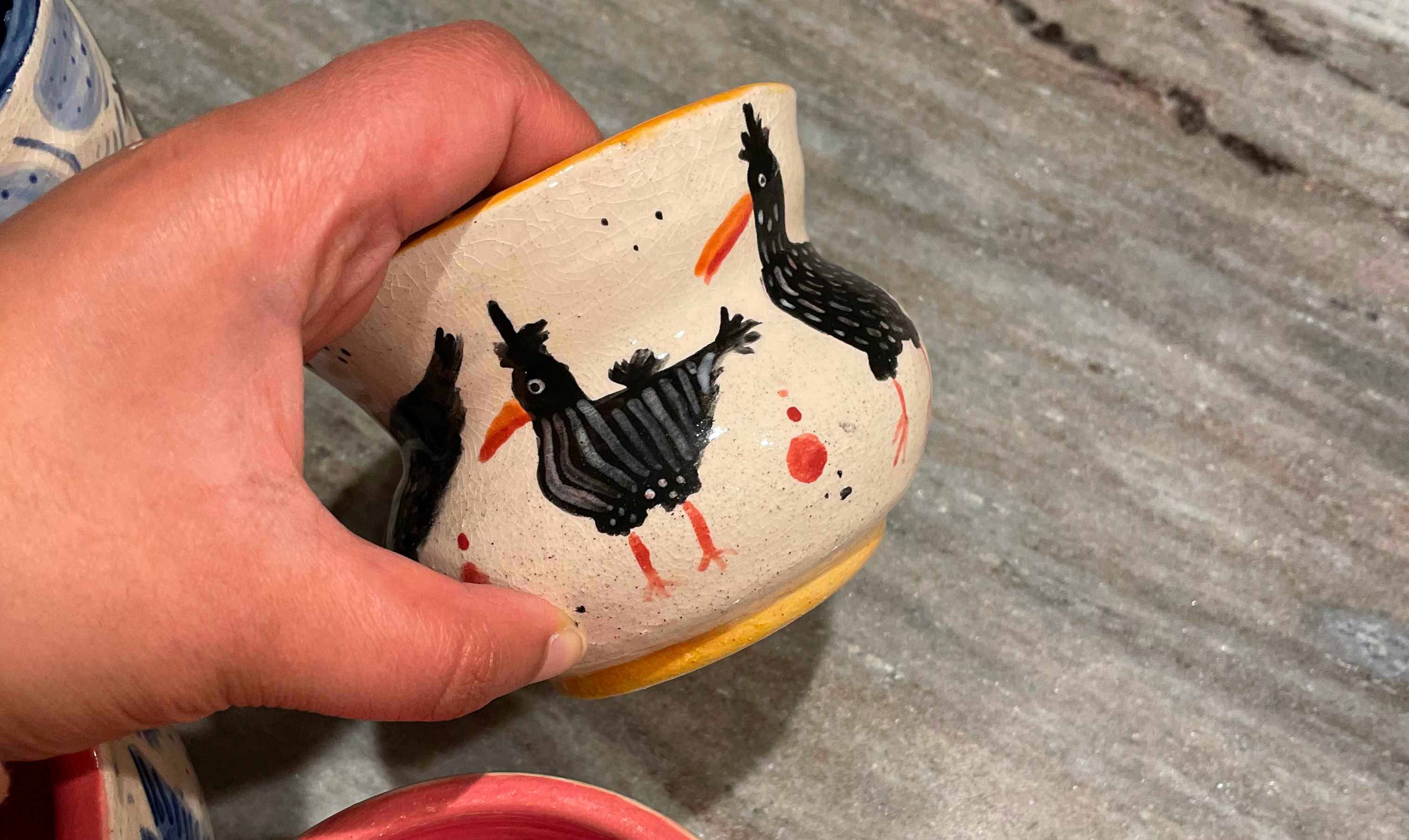
When I asked the teacher why we shouldn’t just paint the image directly onto the porous surface, she said because printmaking is all about the process. But later in the pottery studio, while failing to paint a chicken onto a curved pot, I realized how much easier it would be to tattoo it on with monoprinting.
Most graphics software is fundamentally based in coordinate mathematics. Your input device controls something called the drawing context. In real life, your hands are the input device and the drawing context might be a pen, paintbrush, highlighter, eraser, or even washi tape. Your brain sends signals to your hands that control the position and pressure of the drawing context, but there are also variables—like how shaky your hands are or the texture of the paper—that affect how the drawing context behaves.
Forty-Nine Hands
Drawing procedurally means you can script the behavior of many virtual hands at once, while directly controlling outside variables like shakiness. A single program can enlist dozens of virtual hands to draw with completely different tools at the exact same time.
Digital Paintbrush
Many digital paintbrushes are made procedurally by turning the drawing context into a stampable grid. Each point represents a bristle that can morph depending on the pressure, direction, or speed of the input. While a computer may not understand love, it can easily simulate physical scenarios involving direction, distance, and time.
Stipple
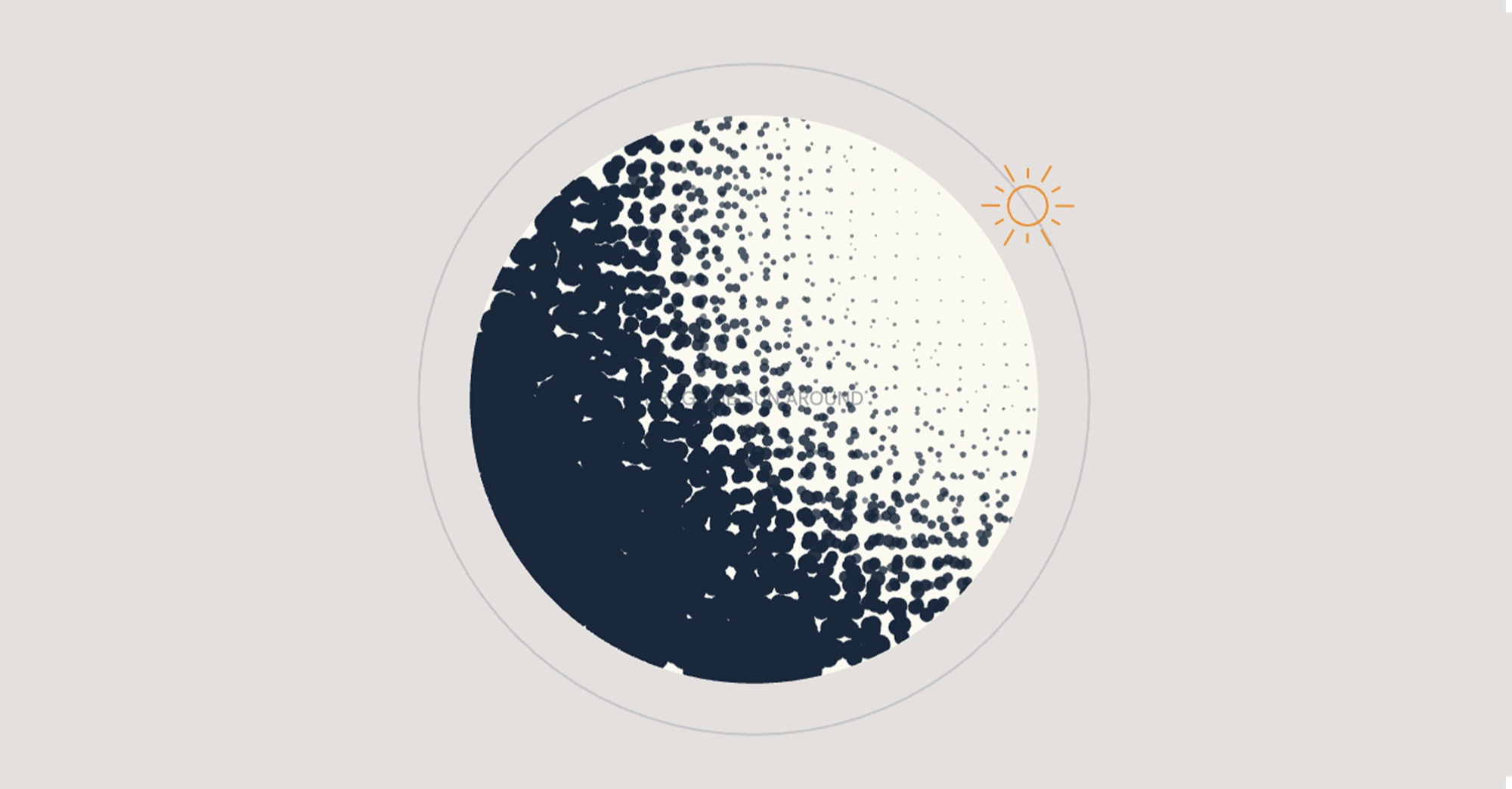
It can also assist with creating fill effects like stippling, which causes hand cramps. With procedural generation you can bypass the hand cramps by programming the rule: draw blobs that increase in size and density as they move away from the light source.
Back to the question of why one might go to the effort of writing rules to draw things procedurally: it is simply a technique that requires some upfront setup to achieve your desired effect with less ongoing effort.
Video game artists may spend days designing the hero and villain, but they use procedural methods to generate the background NPCs because there is little value or fun in drawing hundreds of random citizens by hand. Even Jackson Pollock didn’t paint splatters dot-by-dot; he created a physical rule that swinging globby paint sticks around would generate thousands of unique splatters all at once.
The structural logic of a chicken
Perhaps I can explain how procedural drawing works a little better with a chicken.
I first learned how to draw a chicken by following a guide on WikiHow. To summarize it, most birds begin with a circle. Then you lift your pencil, move down and to the right, and draw a bigger circle. Two sweeping arcs encase these circles, and you can get as creative as you want with the tail. Add some stick legs, and you’re basically good to go.
The problem with translating nonmathematical rules into code is that a computer doesn’t know up from down; it only knows points on the Cartesian plane. So, I gave every guide circle four compass points: N, E, S, and W.
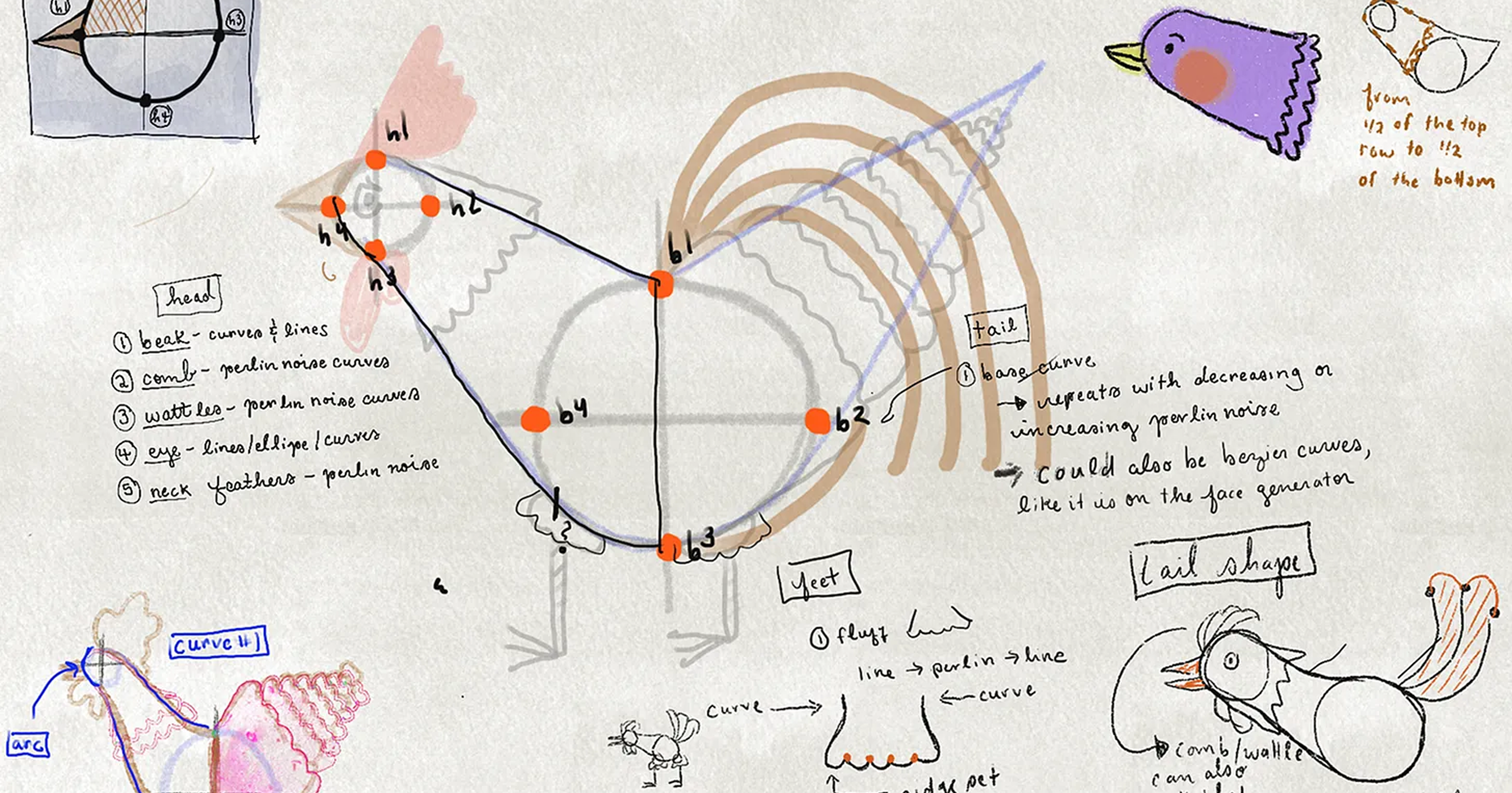
| Body Part | Is a | From | To |
|---|---|---|---|
| Top of the neck | Bézier curve | Head - North | Body - North |
| Underside | Bézier curve | Head - South | Body - West |
| Belly | Line of connected vertex points | Body - West | Body - South |
| Hackle | Scalloped line between vertex points | Top of Head | Bottom of neck |
| Comb | Scalloped line between vertex points | Head - North | Body - North |
Random Chickens
A lot of work comes in making sure the parameters stay within a range that maintains the impression of a chicken on every roll. The head has to clear the body, the wing has to be at least a third of the body and cannot fall off, the leg distance can't exceed the body width, the beak can't be taller than the head. Feet, however, can be as long as they want. This part is necessary to keep the chicken looking like a chicken, and more importantly, for them all to be cousins.